Dell XPS 14 (2026) Review: The Windows Laptop That Finally Got It Right
Dell's XPS 14 (2026) gets a complete redesign with Intel Panther Lake processors, a stunning Tandem OLED display, and a keyboard that actually works — making it the most compelling Windows laptop Dell has built in years. Here's what changed and whether it's worth $1,599+.
Our Methodology: SmartPickTech evaluates products based on publicly available specifications, hands-on research, expert consensus, and real-world user reports. We compare key specs, pricing, build quality, software experience, and value for money. We do not accept payment to influence our ratings or recommendations. Learn more in our Editorial Policy.
Editorial review updated May 21, 2026. SmartPick did not run a lab test for this article; the verdict is based on official specifications, current expert review patterns and buyer-interest signals from recent 2026 coverage.
Quick verdict
The Dell XPS 14 (2026) is the best Windows laptop Dell has made in recent memory. After years of controversial design decisions — including a touch-sensitive keyboard bar that frustrated users — the 2026 model returns to basics and does them exceptionally well. Intel's new Panther Lake processor, a gorgeous OLED display, and a redesigned keyboard make this a genuine MacBook competitor for Windows users.
SmartPick score: 8.6/10
Why buyers are searching for it
Search interest in the XPS 14 spiked after reviewers confirmed that Dell reversed its most criticized design choices. The return of physical keyboard keys alone drove significant attention. Combined with Intel's first Panther Lake chips and a new Tandem OLED display option, the XPS 14 became the Windows ultrabook most worth watching in early 2026.
Design: a comeback story
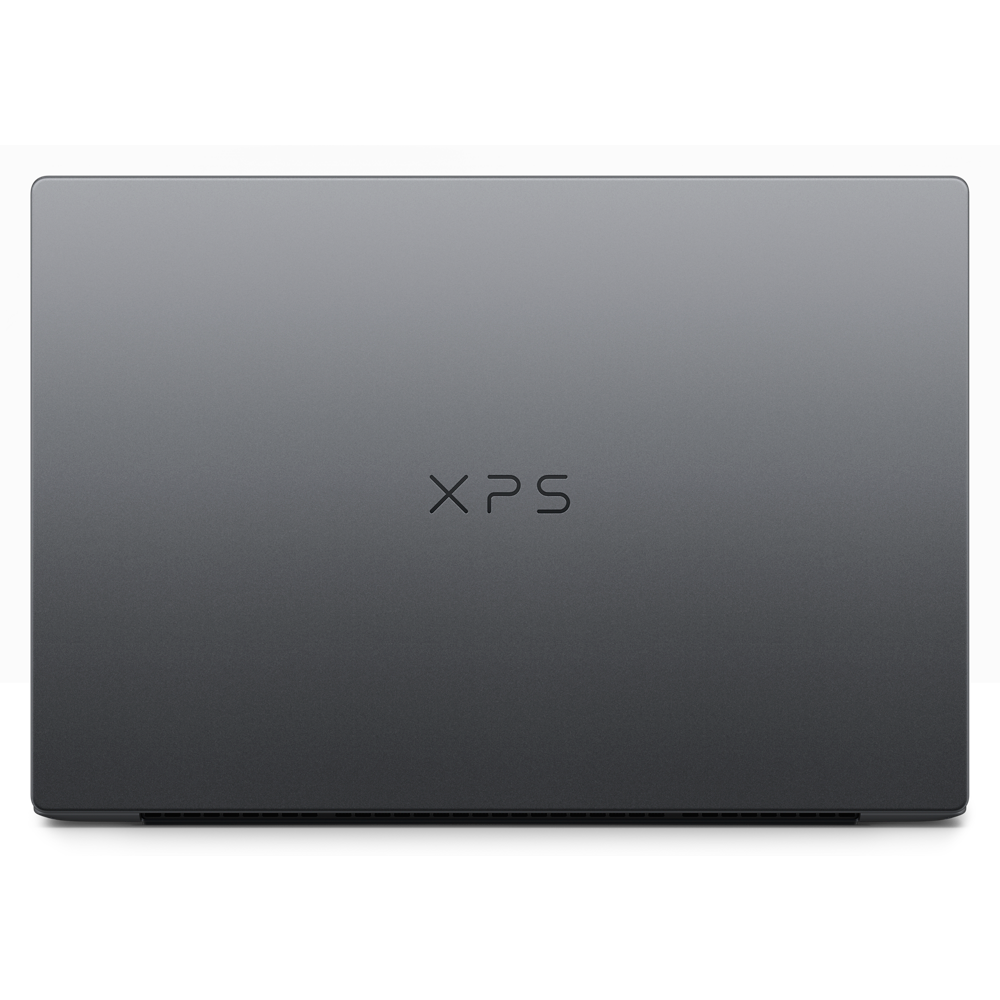
The 2026 XPS 14 is simultaneously thinner and lighter than its predecessor while feeling more rigid and premium in hand. At roughly 3 pounds — over half a pound lighter than the previous generation — it competes directly with the MacBook Air in portability.
Key design changes:
- Physical keys are back — Dell replaced the touch bar with a real keyboard, including subtle tactile etching on the clickpad edges
- New hinge design — smoother, more precise, better build tolerance
- CNC aluminum chassis — premium feel throughout
Display: the Tandem OLED is exceptional
The headline upgrade is the 14-inch Tandem OLED display — a technology that stacks two OLED layers to deliver inky blacks, vivid colors, and much higher sustained brightness than a single OLED panel. Options include 2.8K OLED touchscreen and a non-touch 2K IPS variant.
For anyone doing creative work — photo editing, video, design — the OLED panel is among the best laptop displays available at any price. Color accuracy is outstanding and peak brightness handles bright office environments well.
Performance: Intel Panther Lake
The Intel Core Ultra (Panther Lake) processor brings meaningful gains in AI tasks, everyday compute, and especially battery life compared to previous generations. Real-world performance handles everything from complex spreadsheets and web development to light video editing without thermal throttling under typical loads.
Battery life is a genuine strength of the 2026 model, thanks to Panther Lake's efficiency improvements on the 3nm process node.
Keyboard and input
The restored physical keyboard is a significant improvement. Key travel is good, backlighting is even, and the clickpad is large and precise. This sounds like a low bar — but given the XPS line's recent history, it's worth emphasizing: the XPS 14 is comfortable to type on for long sessions.
Pricing and configuration
Starting at $1,599 for the base configuration, with the reviewed OLED model configured at $2,199. This positions it against the MacBook Pro 14-inch M5, which it undercuts on price while offering a competing display and competitive performance.
Trade-offs
- Port selection is limited (two Thunderbolt 4, one USB-A, SD card reader)
- OLED display can exhibit burn-in with static content over time
- Windows 11 AI features are less mature than Apple's ecosystem integration
- Fan noise under sustained load is audible
Who should buy the Dell XPS 14 (2026)
The XPS 14 is the laptop for Windows users who want MacBook-quality build and display without switching ecosystems. It's especially compelling for creative professionals, developers, and business travelers who need a slim, powerful machine that handles a full work day on battery.
If you're in the Apple ecosystem, the MacBook Pro M5 remains the stronger choice for software integration. But for Windows-first users, the XPS 14 (2026) is the best argument for staying.
Bottom line: Dell fixed what was broken and improved everything else. The XPS 14 (2026) is the Windows ultrabook to beat this year.
Sources & References
- ·Specifications sourced from official manufacturer pages. Performance data based on expert consensus from major technology publications. Pricing verified at time of publication — check current prices via product links above.
- ·Additional references: Notebookcheck benchmarks, manufacturer spec sheets.
Affiliate link disclosure
SmartPickTech may earn a commission when you purchase through links in this article, at no additional cost to you. Affiliate relationships do not influence our editorial opinions, review scores, or recommendations. Our goal is always to help you make the best buying decision. Read our full Affiliate Policy.