Best Laptop Buying Strategy for 2026: AI PCs, Battery Life and Real Performance
AI PCs are now mainstream, but the best laptop choice still depends on workload, battery expectations and platform fit.
Our Methodology: SmartPickTech evaluates products based on publicly available specifications, hands-on research, expert consensus, and real-world user reports. We compare key specs, pricing, build quality, software experience, and value for money. We do not accept payment to influence our ratings or recommendations. Learn more in our Editorial Policy.
The laptop market has changed again
In 2026, laptop shopping is no longer just a choice between Intel, AMD and Apple. Qualcomm's Snapdragon X platform, Intel Core Ultra chips, AMD Ryzen AI processors and Apple silicon have made battery life, local AI performance and thermal efficiency central buying factors.
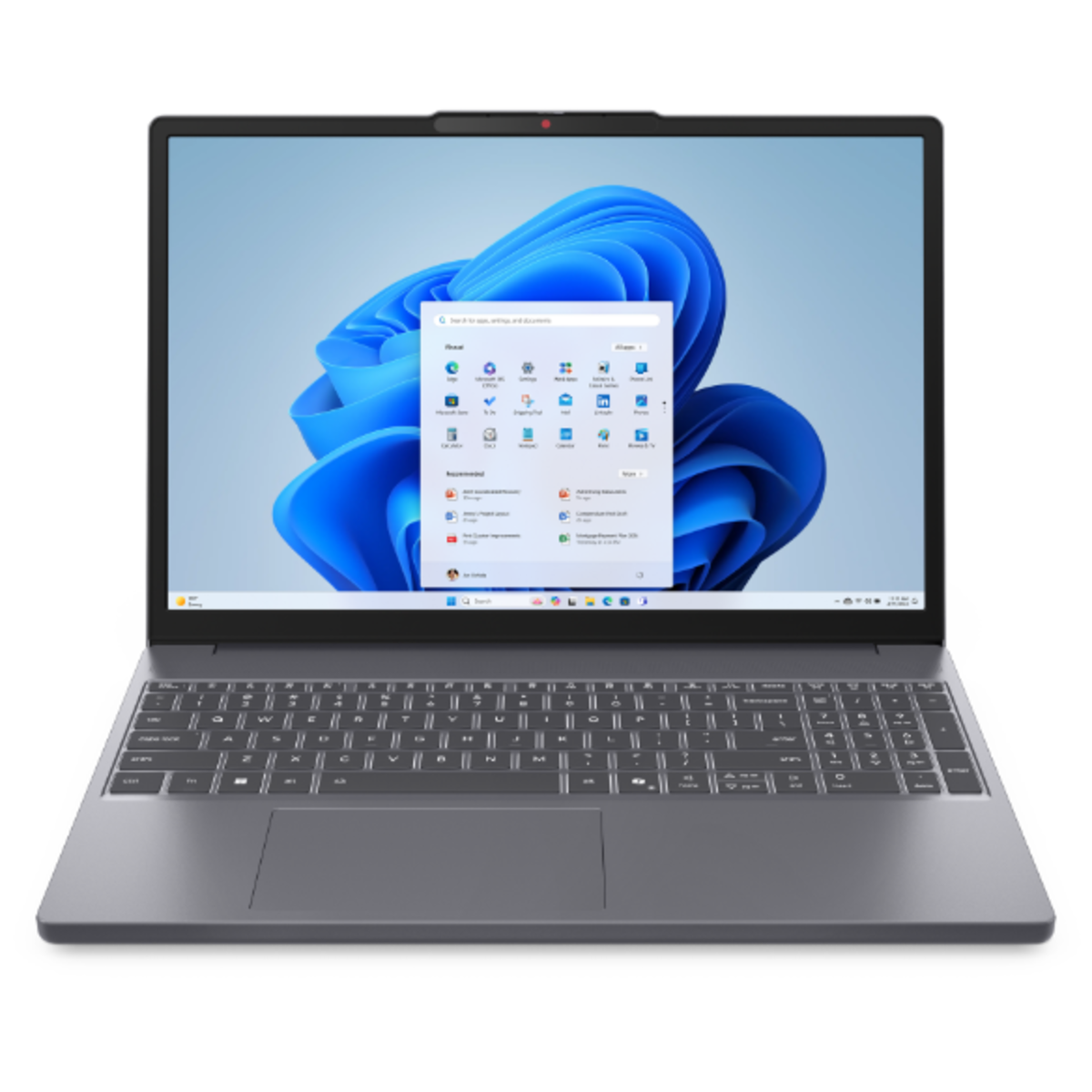
[foto:1]
That does not mean every buyer needs an AI PC. It means the processor decision now affects more than speed. It affects battery life, app compatibility, fan noise, webcam features, offline AI tools and how long the laptop will feel current.
Do not buy an AI PC only because it says AI
A dedicated NPU can accelerate local AI tasks such as background blur, live captions, image generation, search and some creative workflows. It can also help preserve battery by avoiding CPU or GPU usage for smaller AI tasks.
But the value depends on software. If your work is mostly browser tabs, email, spreadsheets and video calls, the best laptop is still the one with a good keyboard, bright screen, enough memory and dependable battery life. AI capability is useful, but it should not hide a mediocre display or 8 GB of RAM.
Match the chip to the job
For students and office users, efficient processors are often better than maximum performance. Snapdragon X laptops can deliver excellent battery life, but buyers should check whether all required Windows apps work well on Arm. Intel Core Ultra and AMD Ryzen AI machines remain safer for broad Windows compatibility, especially with older tools and peripherals.
Creative professionals should focus on sustained performance, memory, GPU capability and display accuracy. Developers should check virtualization, Docker support, external monitor behavior and keyboard comfort. Gamers should still prioritize GPU class, cooling and refresh rate over AI branding.
Memory and storage matter more than they used to
In 2026, 16 GB of RAM should be treated as the practical minimum for a serious laptop. For creative work, development or heavy multitasking, 32 GB is a much safer purchase. Storage should start at 512 GB, but 1 TB is better if you keep media, games, virtual machines or large project files locally.
A laptop with a modern processor and too little memory can age quickly. A slightly less glamorous model with enough RAM, a quality SSD and strong battery life will often be the better long-term product.
The screen and keyboard are still daily quality
Specs sell laptops, but the screen and keyboard define the experience. Look for at least a sharp 14-inch or 15-inch panel with good brightness, comfortable scaling and solid color. OLED and mini-LED displays can look excellent, but battery impact and glare should be considered.
The keyboard should feel stable, the trackpad should be precise and the webcam should be good enough for remote work without an external camera. These are not luxury details. They are the parts of the laptop you use every hour.
A simple 2026 recommendation framework
If you want maximum battery life and your apps are compatible, consider Snapdragon X or other efficient platforms. If you want the safest Windows compatibility, choose a well-reviewed Intel Core Ultra or AMD Ryzen AI laptop with 16 GB or 32 GB of RAM. If you are inside the Apple ecosystem and value battery, display and build quality, a MacBook remains one of the easiest premium choices.
The best laptop in 2026 is not the one with the loudest AI label. It is the one that keeps your work moving quietly, reliably and comfortably for the next several years.
Sources & References
- ·Specifications sourced from official manufacturer pages. Performance data based on expert consensus from major technology publications. Pricing verified at time of publication — check current prices via product links above.
- ·Additional references: Notebookcheck benchmarks, manufacturer spec sheets.
Affiliate link disclosure
SmartPickTech may earn a commission when you purchase through links in this article, at no additional cost to you. Affiliate relationships do not influence our editorial opinions, review scores, or recommendations. Our goal is always to help you make the best buying decision. Read our full Affiliate Policy.